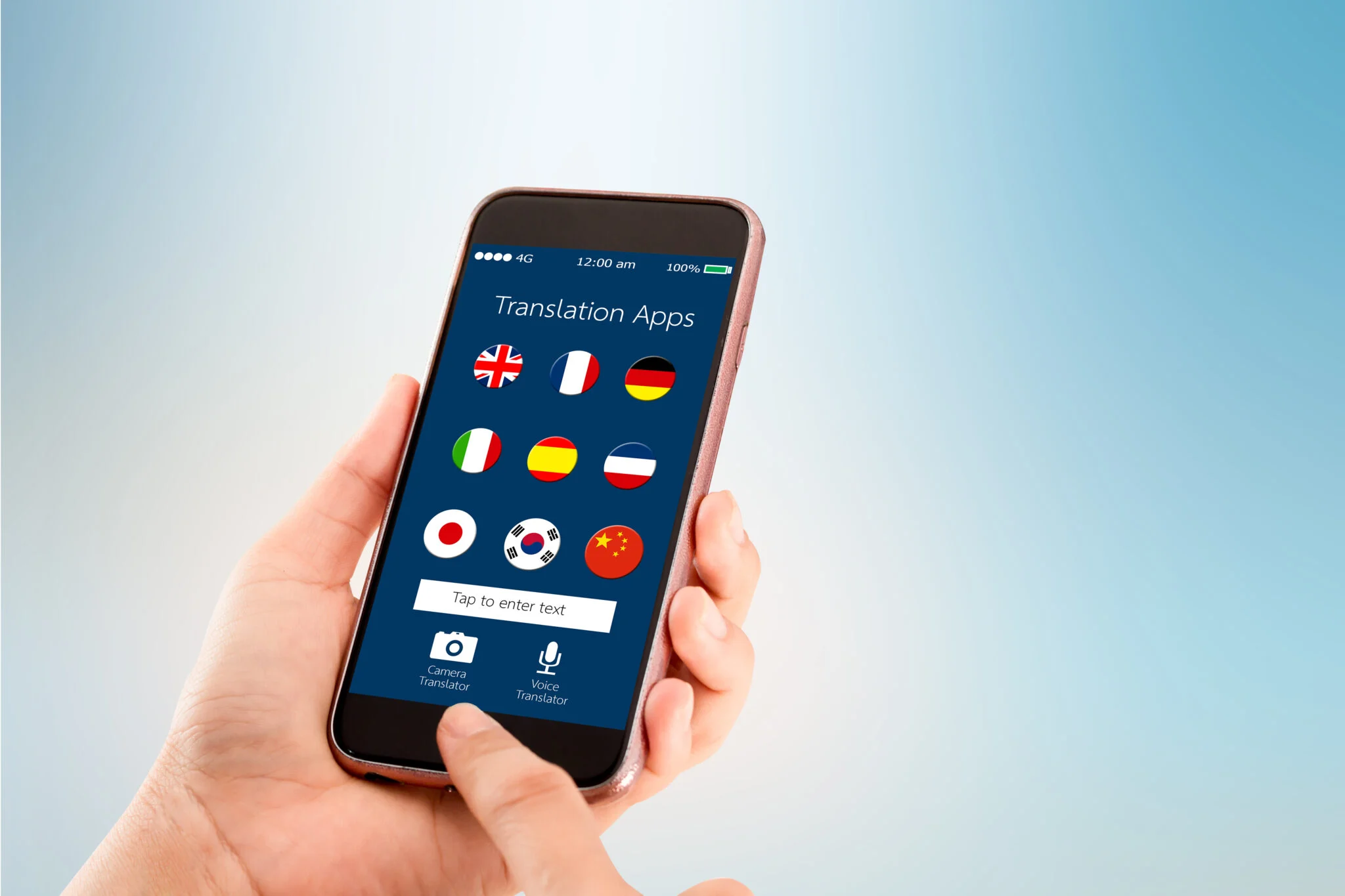
Translation apps have revolutionized communication, making it easier to bridge language barriers in real-time. Whether you’re traveling abroad, communicating with international colleagues, or learning a new language, choosing the right translation app is crucial. This guide will explore the top translation apps available today, providing multiple gears to compare their features, a full explanation of their capabilities, and an exclusive method to optimize your translation experience.
Google Translate
Google Translate is one of the most widely used translation apps, offering robust features and support for over 100 languages.
Explanation:
- Text Translation: Translate text between languages instantly.
- Voice Translation: Speak into the app for real-time translation of spoken words.
- Offline Mode: Download languages for offline use, useful when traveling without internet access.
- Camera Translation: Translate text from images captured by your camera.
- Phrasebook: Save commonly used translations for quick access.
Microsoft Translator
Microsoft Translator provides translation services across multiple platforms, emphasizing integration and accuracy.
Explanation:
- Real-Time Conversation Translation: Translate conversations in real-time with multiple participants.
- Phrasebooks and Shortcuts: Create customized phrasebooks and use shortcuts for frequently used phrases.
- Offline Translation: Download languages for offline use, ensuring translation availability without an internet connection.
- Collaboration Tools: Share translations with others for collaborative editing and feedback.
DeepL Translator
DeepL Translator is known for its advanced neural network technology, offering high-quality translations with a focus on accuracy.
Explanation:
- Natural-Sounding Translations: Produce translations that sound natural and contextually accurate.
- Browser Integration: Seamlessly translate entire web pages with browser extensions.
- Document Translation: Upload documents for translation while preserving the original formatting.
- API Access: Integrate translation capabilities into other applications through the DeepL API.
iTranslate
iTranslate is designed for intuitive translation and offers a range of features to enhance user experience.
Explanation:
- Voice Recognition: Translate spoken words and phrases into other languages.
- Offline Mode: Download languages for offline use, making it ideal for travel.
- Website Translation: Translate entire websites directly within the app.
- Conjugation and Definitions: Access verb conjugations and definitions for translated words.
Papago
Papago is a translation app developed by Naver Corporation, focusing on accuracy and usability for Asian languages.
Explanation:
- Asian Language Support: Specializes in translations for Korean, Japanese, Chinese, and other Asian languages.
- Conversation Mode: Translate conversations in real-time between multiple languages.
- Image Translation: Translate text from images captured by your camera.
- Culture-Specific Phrases: Provides translations for culture-specific phrases and expressions.
Exclusive Method: The Precision Translation Strategy
To optimize your translation experience, follow this exclusive Precision Translation Strategy, combining app features with best practices for accurate communication.
Explanation:
- Contextual Understanding: Pay attention to context and nuances when using translation apps, as literal translations may not always convey the intended meaning.
- Review and Edit: Always review translated text for accuracy and clarity before using it for communication or documentation.
- Cultural Sensitivity: Consider cultural differences when translating, as certain phrases or expressions may have different connotations in different languages.
- Continuous Learning: Regularly update your language skills and familiarize yourself with new features and improvements in translation technology.
Choosing the best translation app depends on your specific needs, whether for travel, business, or personal use. By exploring Google Translate, Microsoft Translator, DeepL Translator, iTranslate, and Papago, and implementing the Precision Translation Strategy, you can enhance your ability to communicate effectively across languages. Embrace the power of translation technology to break down language barriers and facilitate global communication in today’s interconnected world.